
Switching

Switching to KitDocket

Bring your customers over from your old app or a spreadsheet in one go. Upload a CSV, check the preview, import — with their service and CP12 dates, so reminders just carry on.

Start 30-day free trial

30 days free, no card. Nothing to cancel.

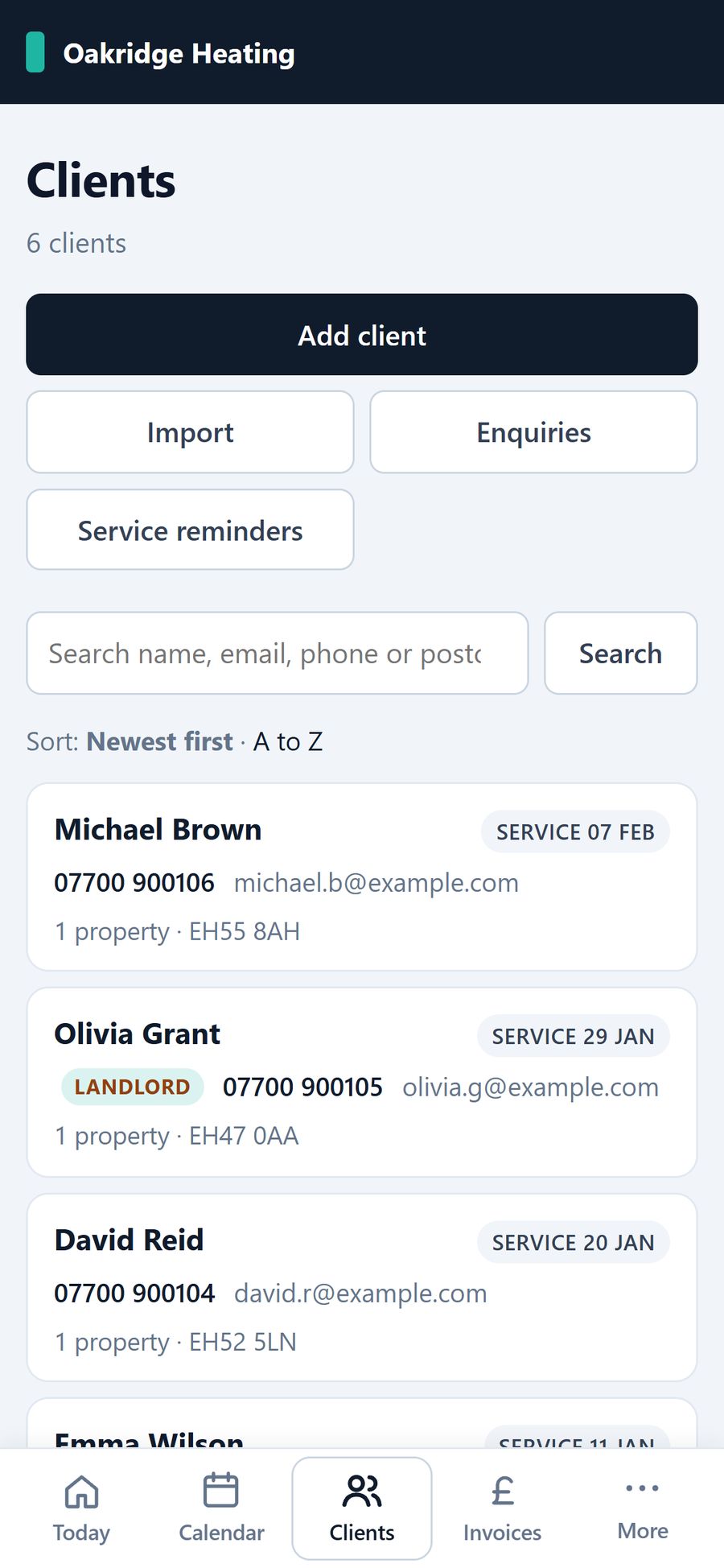
The customers list in KitDocket

Four steps, a few minutes

  1. 1ExportDownload a CSV from your old app or spreadsheet.
  2. 2UploadClients → Import in KitDocket.
  3. 3CheckMatch the columns and untick anyone you don't want.
  4. 4ImportCustomers, addresses, appliances and due dates.

How do I move my customers over?

Export a CSV file from your old app or spreadsheet — most have an export button. In KitDocket go to Clients, then Import, and upload it. You'll see a preview with each column matched to a KitDocket field. Untick anyone you don't want, then press Import.

  • Names, emails, phones and addresses
  • Landlord yes or no
  • Appliance make, model, location, serial and GC number
  • Last service, next service due and next CP12 due

What if a customer is already in KitDocket?

KitDocket keeps one customer per email address, so an import matches people you already have by their email and adds to them instead of making a copy. Where there's no email, it shows a "may be the same person" note on likely matches for you to check.

Will my customers get reminder emails straight away?

Only if you want them to. Leave "Don't email anyone whose date has already passed" ticked and customers who are overdue on the day you import aren't emailed out of the blue. Everyone else gets their reminders 30, 14 and 3 days before their next date, as normal.

What happens to my old certificates?

Your past certificates stay where they are — download the PDFs from your old app and keep them, as gas safety records must be kept for at least two years. KitDocket starts from your next visit, and the dates you import mean nobody misses their reminder.

Can I try it before I switch?

Yes. Use everything free for 30 days with no card, next to your old app, and only move over when you're happy. On the Business plan we'll set it up for you. You can export all your data at any time if you ever leave.